Utilities — URL to Markdown Converter / iOS & Android
WEB2MD: URL to Markdown
Transform any web page into clean, beautifully formatted Markdown in seconds with WEB2MD.
WEB2MD: URL to MarkdownMade for iOS & Android
A little more about us
Who is WEB2MD: URL to Markdown for?
WEB2MD is for developers, researchers, writers, students, and knowledge workers who want to turn web pages into clean Markdown. It extracts the important article content for note-taking, text analysis, LLM workflows, and digital archiving.
The details that matter
What you can do with WEB2MD: URL to Markdown
Instant URL-to-Markdown conversion
Safari Share Sheet integration
Main article and content extraction
Removal of ads, navigation menus, cookie banners, and sidebars
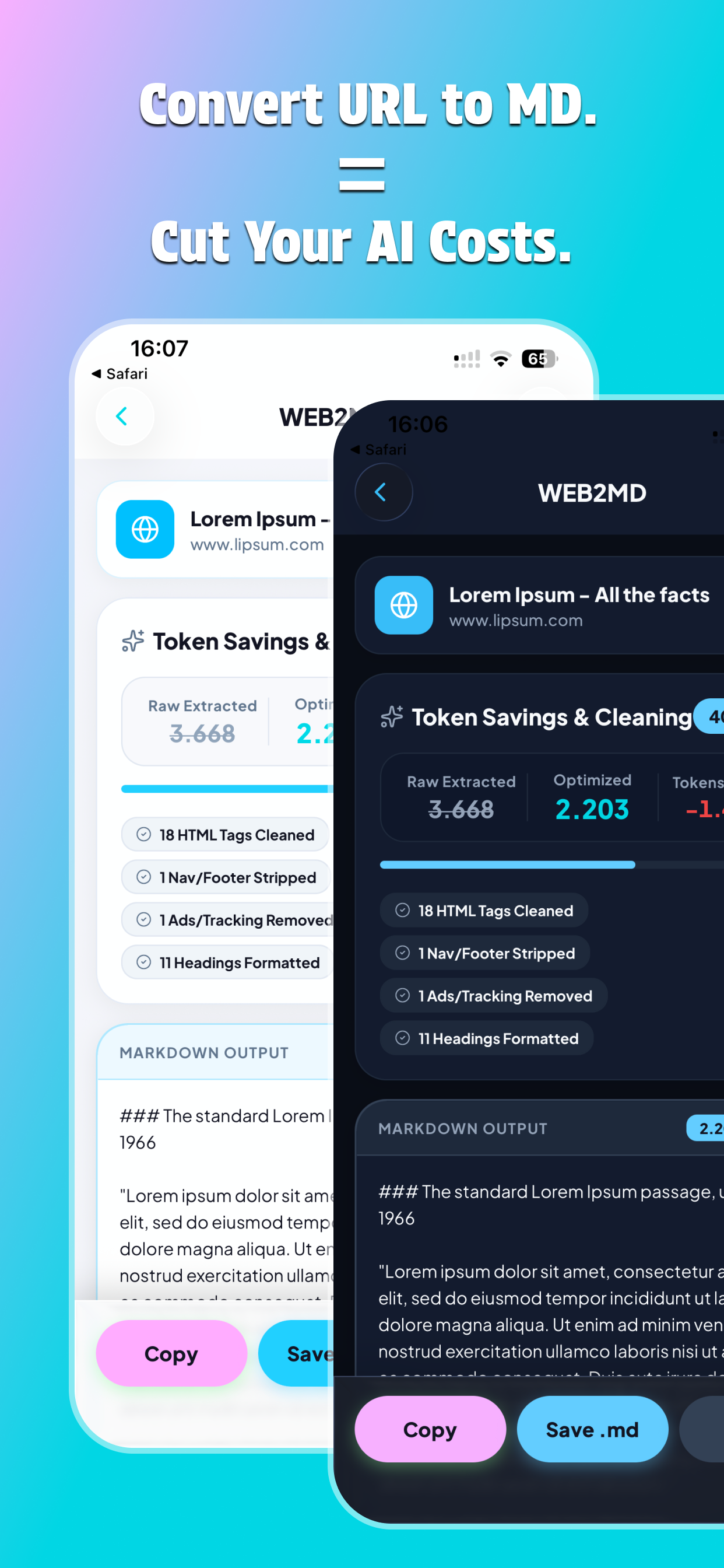
Smaller webpage text payloads for AI prompts
Private, on-device page parsing and Markdown conversion
Copy, save, share, and revisit converted pages
Getting started
How it works
Paste a webpage URL or send a page from Safari
Extract the main article content
Remove unwanted webpage clutter automatically
Convert the content into clean Markdown
Copy it, save it as an .md file, or share it to another app
Use conversion history to revisit recent pages and savings statistics
Good to know
A few questions,
answered.
WEB2MD converts web pages into clean Markdown by extracting the main content and removing unnecessary webpage clutter.
Paste a webpage URL into WEB2MD or use the Safari Share Sheet to send a page directly to the app for conversion.
WEB2MD removes ads, navigation menus, cookie banners, sidebars, and extra line breaks so the result focuses on the useful article content.
Yes. By extracting the main content and removing noisy webpage elements, WEB2MD can significantly reduce text payload compared with raw HTML or ordinary copy-pasting.
Yes. Webpage parsing and Markdown conversion happen on your device, without external processing servers or third-party cloud APIs.
You can copy the Markdown to the clipboard, save it as an .md file, or share it with notes, code, writing, and other compatible apps.